

Good warriors and tacticians know that preparation and practice make perfect, and now Duelysts have the ability to put their wits to the test with Custom Scenarios! This feature lets players save board states as scenarios to replay and share with others as custom challenges.
Sandbox Mode Enhancements
Sandbox has been the play mode to use to test out certain strategies, game states, and interactions, and we’ve added a few enhancements to help set up board states a little quicker than trying to cycle through your deck and passing turns to get to the exact state you want. These changes are available to use even if you don’t plan on saving a custom scenario, so take advantage of these tools when preparing for your upcoming battles!
Once in a Sandbox game, there will be a menu on the right side of the screen that can be extended to show tools to the manipulate the board state:
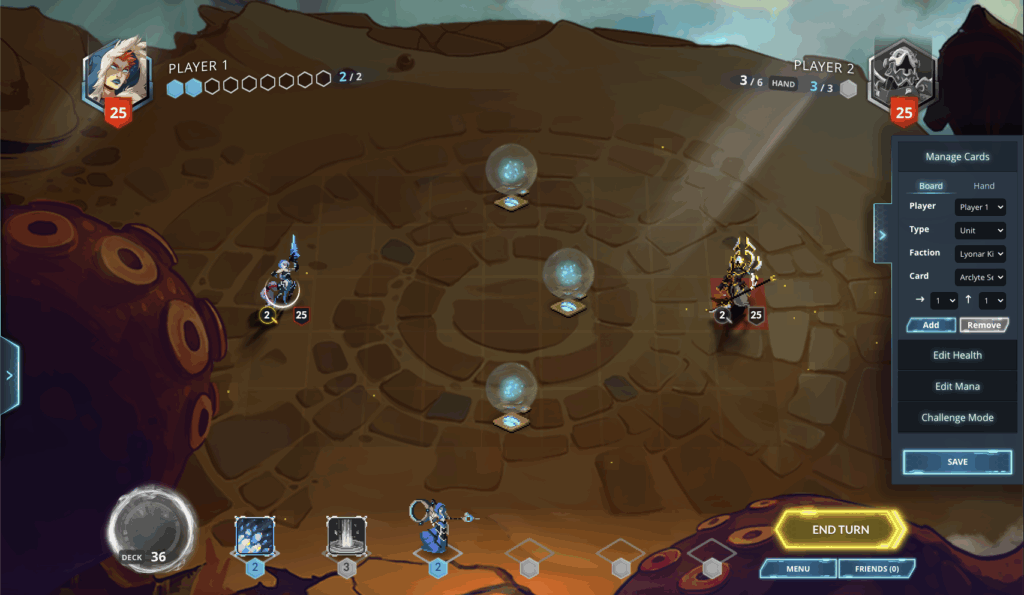
Under the Manage Cards section, cards can be added to the board or action bar hand. The list of cards available will be based on your inventory – if you have a certain card (or a skinned version of the card) in your Collection, then you will be able to add it here, even if it wasn’t originally in the deck you selected. You can enter the position of the card manually into the arrow fields, or select the position in your hand or on the board to have those fields populated automatically.
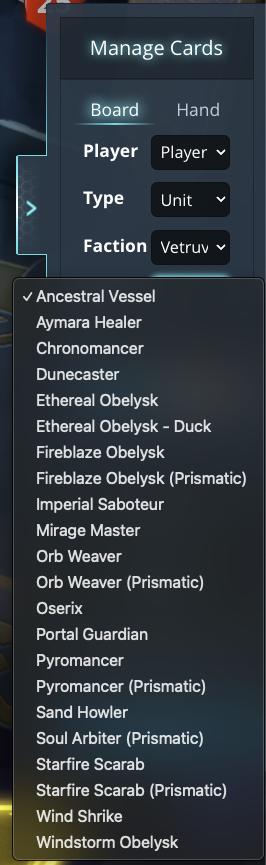
The Edit Health and Edit Mana sections function as you’d expect – you can tweak the health of any of the units on the board, or adjust either player’s mana by editing the values in those sections.
Simulacra Slots
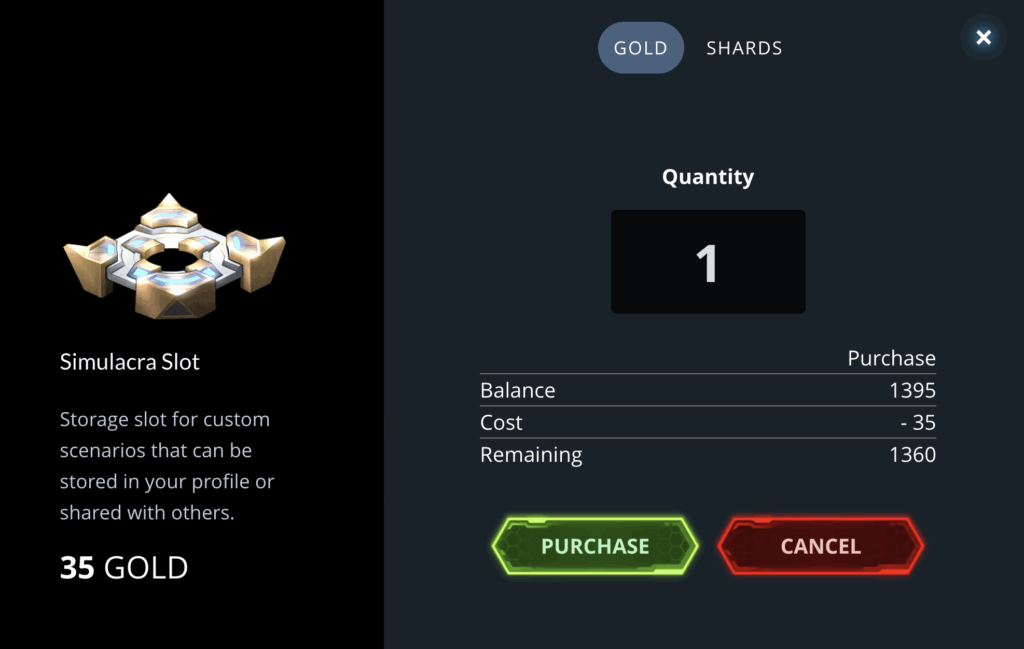
Once the board is in a state you like, you can click Save to save the state to a Simulacra Slot, which allows you and others to replay the scenario. All players will have access to 6 slots by default that will be usable once Sandbox mode is unlocked, and additional slots can be purchased from the Save Scenario screen or from the Shop.
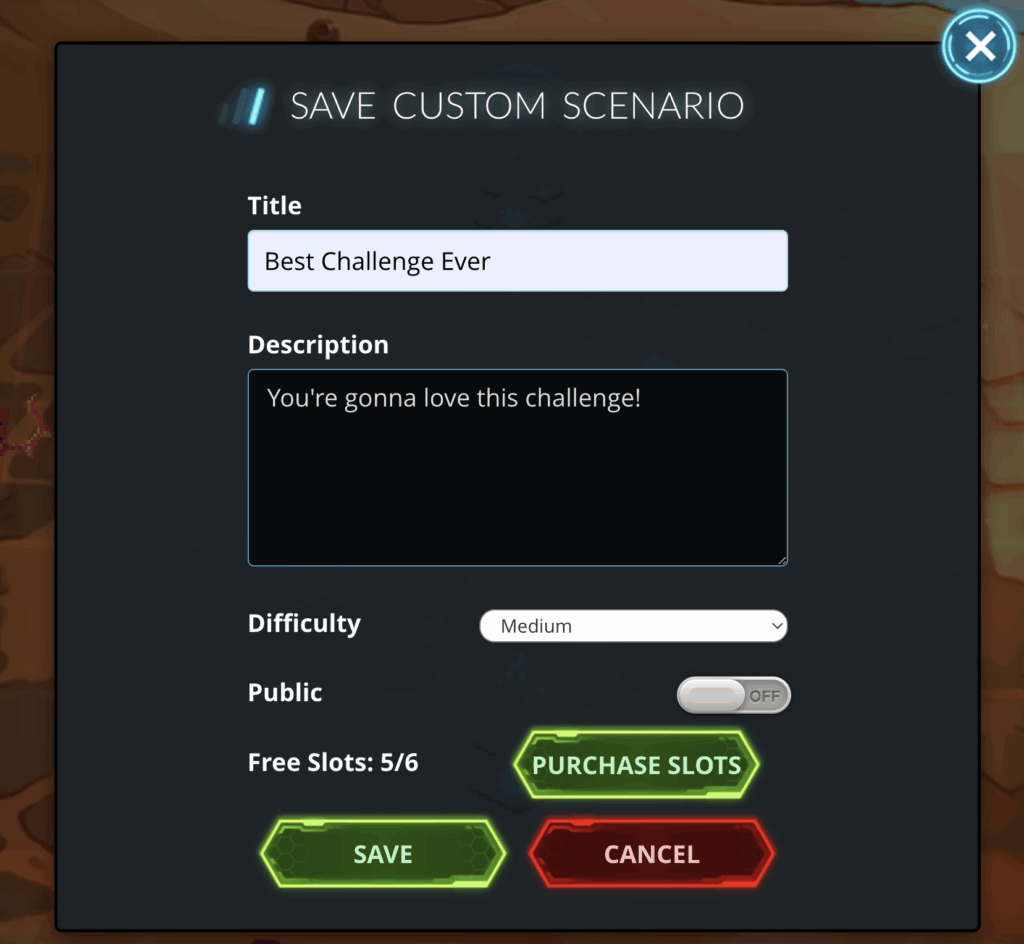
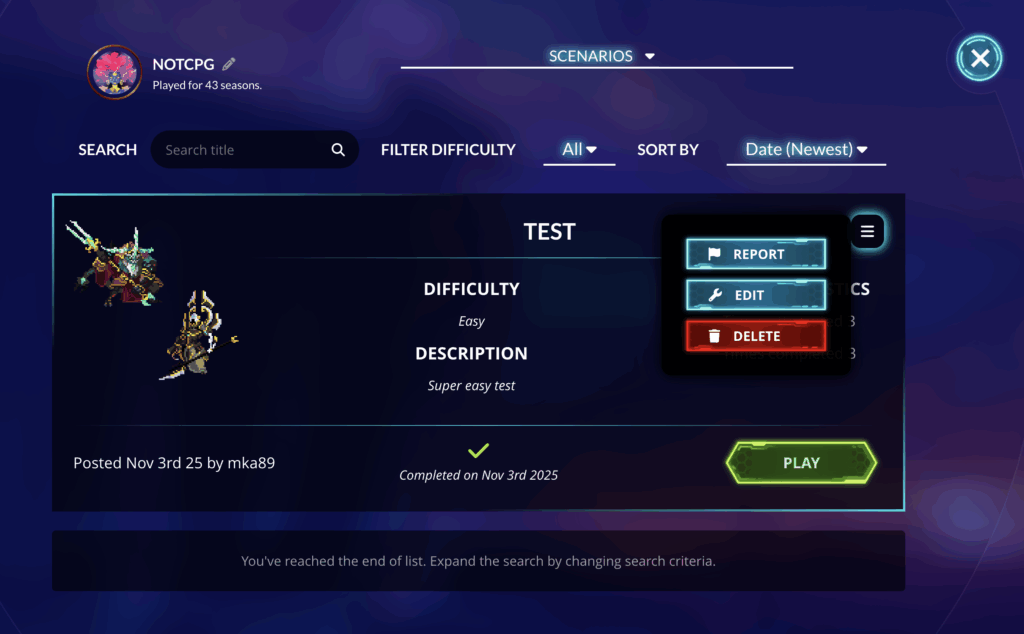
Once a scenario is saved, it can be viewed on your profile or in the Custom Challenges play mode, where you can edit the scenario to re-enter Sandbox mode with that saved state, delete the scenario to free up the Simulacra Slot for a different scenario, or “play” your scenario (i.e. attempt to solve it as a lethal puzzle where you have to defeat the enemy in one turn).
Validate Custom Scenarios and Publish
Once you have a custom scenario that you’re proud of, share it with the world! In order to make a scenario public, it must first be validated as a “solveable” puzzle. Within the Challenge Mode section of the menu will be a Validate button that will let you play the puzzle, and once it has been validated this way, the scenario can be saved as a Public scenario to be playable by anyone from the new Custom Challenges play mode.
New Custom Challenges Play Mode
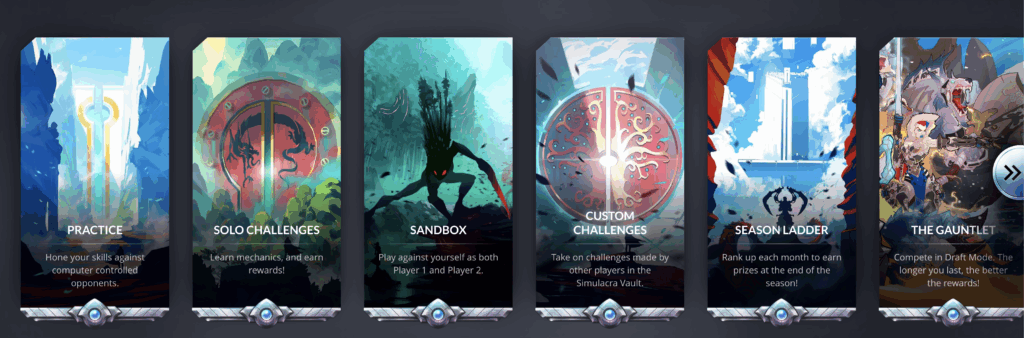
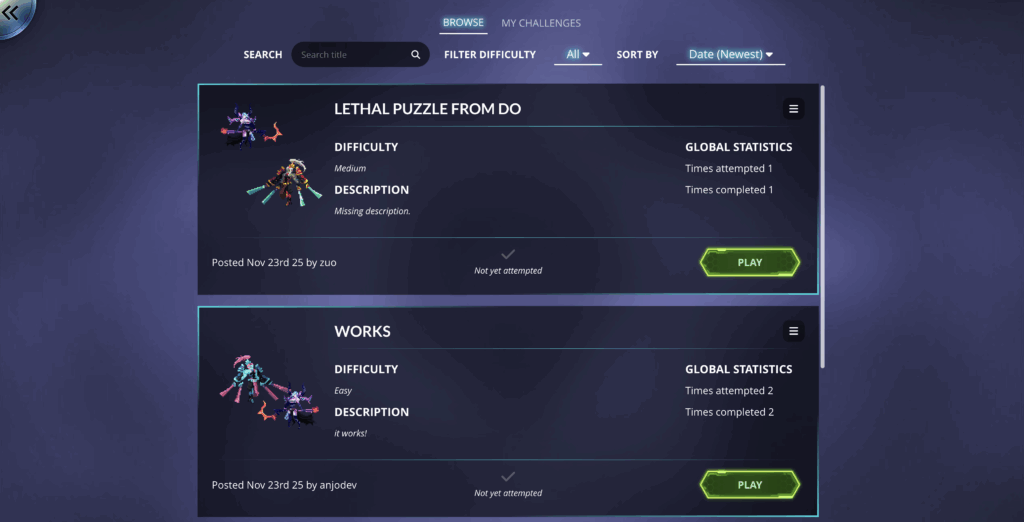
There is a new Play mode for these published custom scenarios that will let you play published challenges from the community! You can filter, search, and sort these community challenges to discover even more puzzles to test your wit.
Share Your Feedback
This is a feature built to provide the Duelyst community a way to flex their creativity and share puzzles with each other in-game, but it will only improve over time with your constructive feedback! Please be sure let us know what you think could be improved/should be changed in Discord, or via feature requests on Canny!
We hope you’ll enjoy this feature and look forward to seeing what sort of creative puzzles the community will be able to come up with!